

First Data / Business Track
How to provide Justt an access to your First Data / Business Track account. To enable Justt to process and manage your chargebacks, please integrate your PSP with Justt by following these steps.
How to create a new account?
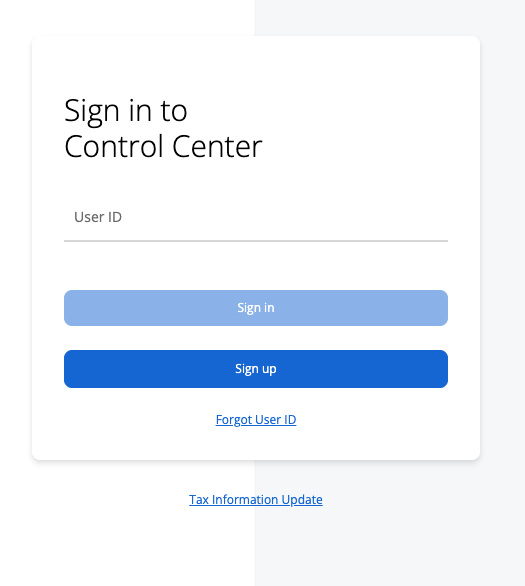
Step 1: Go to https://www.businesstrack.com/manage/landing.
Step 2: Click on “Sign Up".
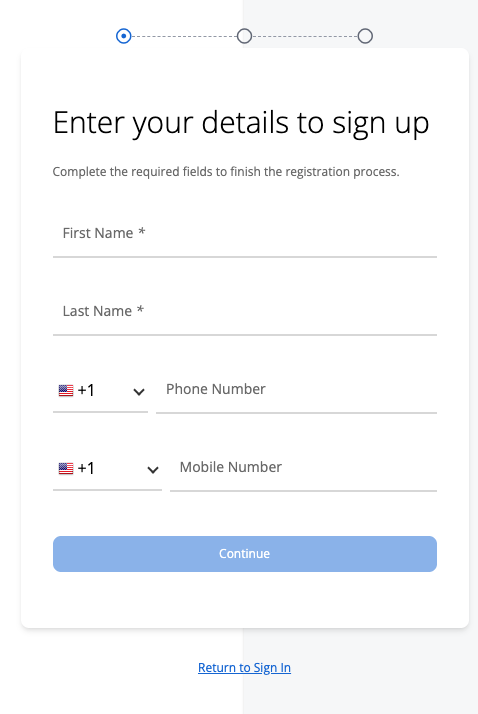
Step 3: Fill in your personal information and press Continue. In the email field on the second page, please use the designated email address shown in the Justt hub.

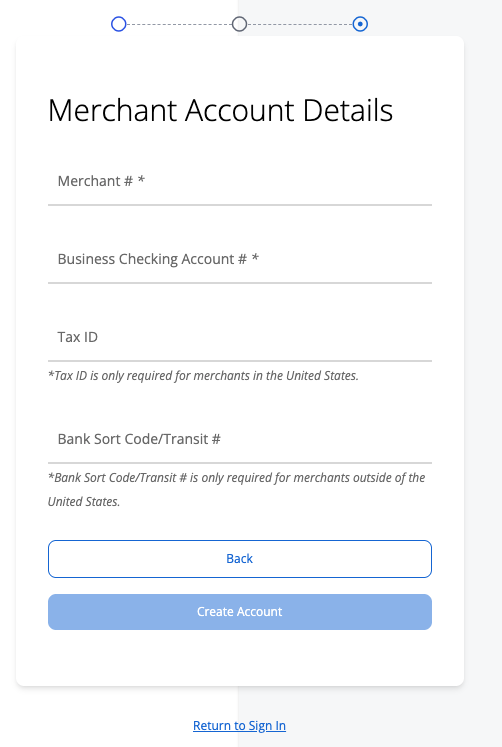
Step 5: Press Create Account
That’s it! 👏
The confirmation email is now sent to the Justt team. Please let your Justt POC know that you completed the enrollment so they will move on to the next in the integration process
Updated 4 months ago
Did this page help you?