

Checkout
Justt’s chargeback data and ROI analysis provides you with a comprehensive and accurate view of your actual win and recovery rate performance based on your organization’s historical data. You will realize clarity in your current chargeback exposure, as well as opportunity revenue Justt can help you recover through automating your chargeback responses and helping you optimize win rates. Retrieving data from CHECKOUT.COM to support Justt’s historical data and ROI analysis is easy, simply follow the steps below.
How to get them?
Step 1: Access DISPUTES EXPORT and Login to CHECKOUT.COM using your credentials at this link: https://dashboard.checkout.com/
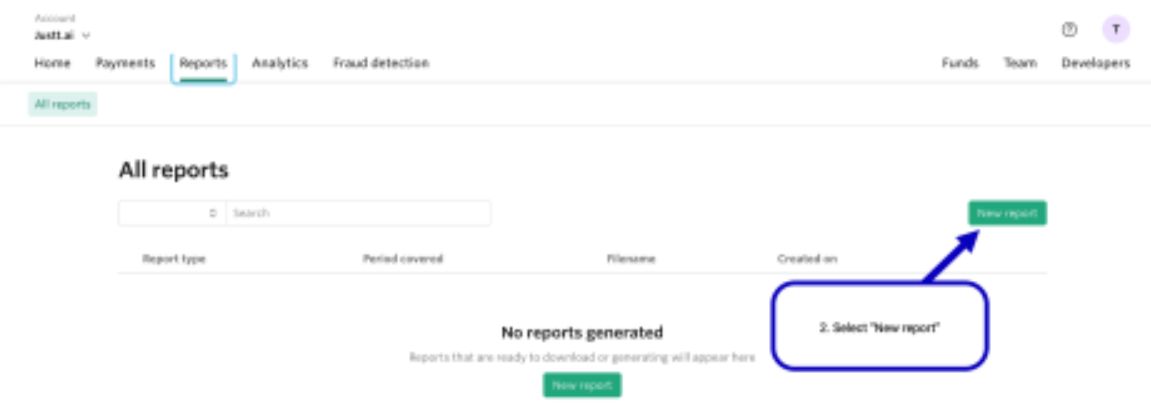
Step 2: Select REPORTS -> New Report
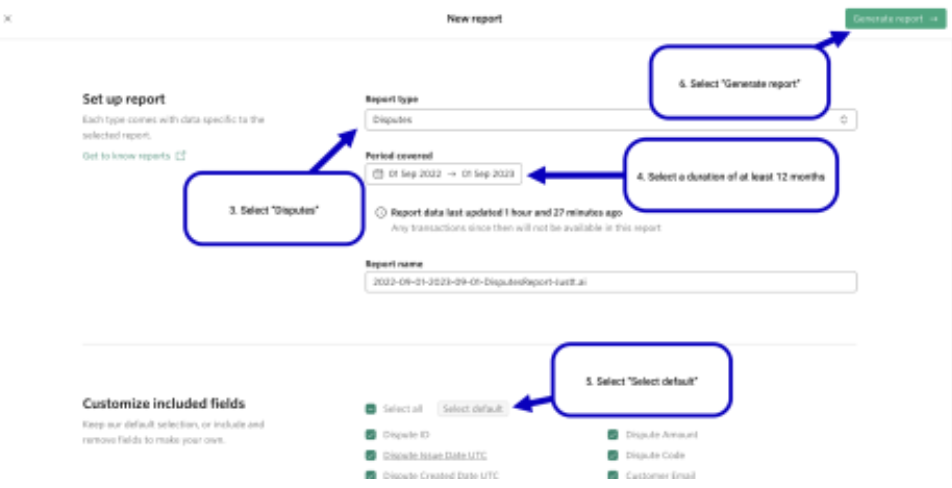
Step 3: Select Disputes -> Select a duration of at least 12 months-> Select Defaults ->Generate Report.
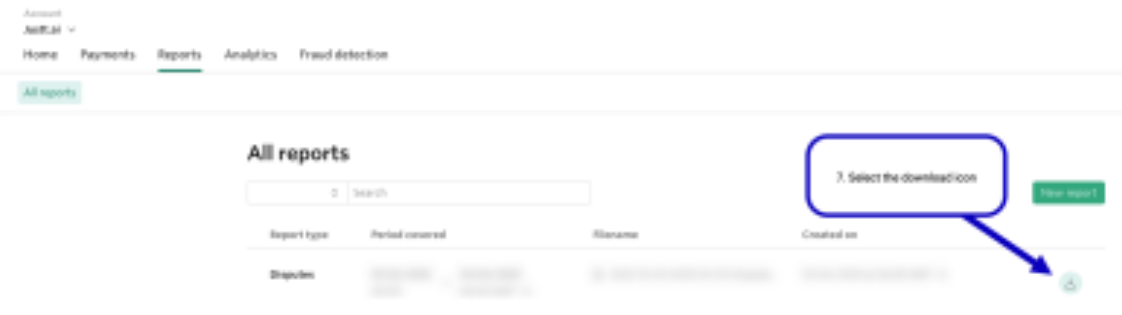
Step 4: Select the download icon.
That’s it! 👏
Please send the downloaded file to your Justt POC
Updated 4 months ago
Did this page help you?