

Finix
In this guide we'll walk you through the process of providing Justt the required permissions to manage your chargebacks.
Part 1: API Key (Required)
Step 1: Go to your Finix Live Dashboard and sign in to your Finix account.
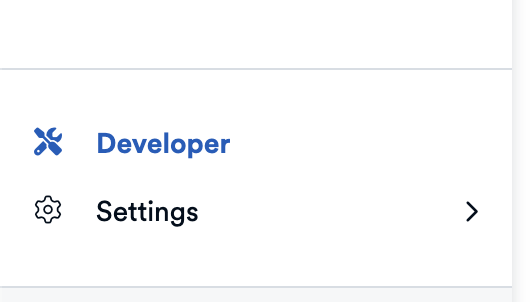
Step 2: Go to the Developers section
Click the Developers button in the bottom-left corner of the dashboard.
Step 3: Click on "Create API Keys"

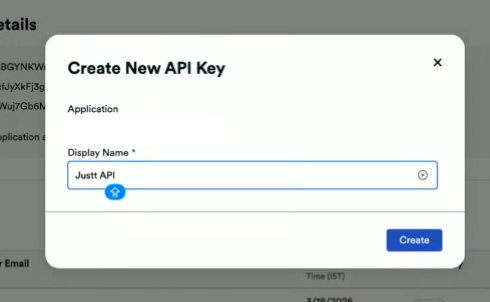
Step 4: Write "Justt API key" in your display name and click "Create"
Step 5: Copy & Paste the User and Password in the Justt CustomerHub
Go to the Finix Integration Page in the Justt Customer Hub and complete your integration.
Updated 2 months ago
Did this page help you?